By Janette O'Shaughnessy | Resonating Brands
A contractor forwarded us an email last month. Someone was selling him a $49-a-month "ADA compliance widget." The pitch: install this little icon on your site or get sued.
He wanted to know if it was real.
Here is the honest answer. Website accessibility lawsuits are real. The widget won't protect you. And the fixes that actually matter also help you win more jobs.
This guide is for home service contractors who want to understand website accessibility without the scare tactics. (Quick note: I'm not a lawyer, and this isn't legal advice. If you've received a demand letter, call an attorney.)
What "ADA compliant website" actually means
The Americans with Disabilities Act (ADA) requires businesses open to the public to serve people with disabilities. The Department of Justice has said for years that it sees websites as part of that. In its web guidance, the DOJ says the ADA's requirements "apply to all the goods, services, privileges, or activities offered by public accommodations, including those offered on the web."
There is no official federal checklist for private business websites. But the standard courts and lawyers point to is the Web Content Accessibility Guidelines (WCAG). WCAG 2.1 Level AA is the level most often named in lawsuits.
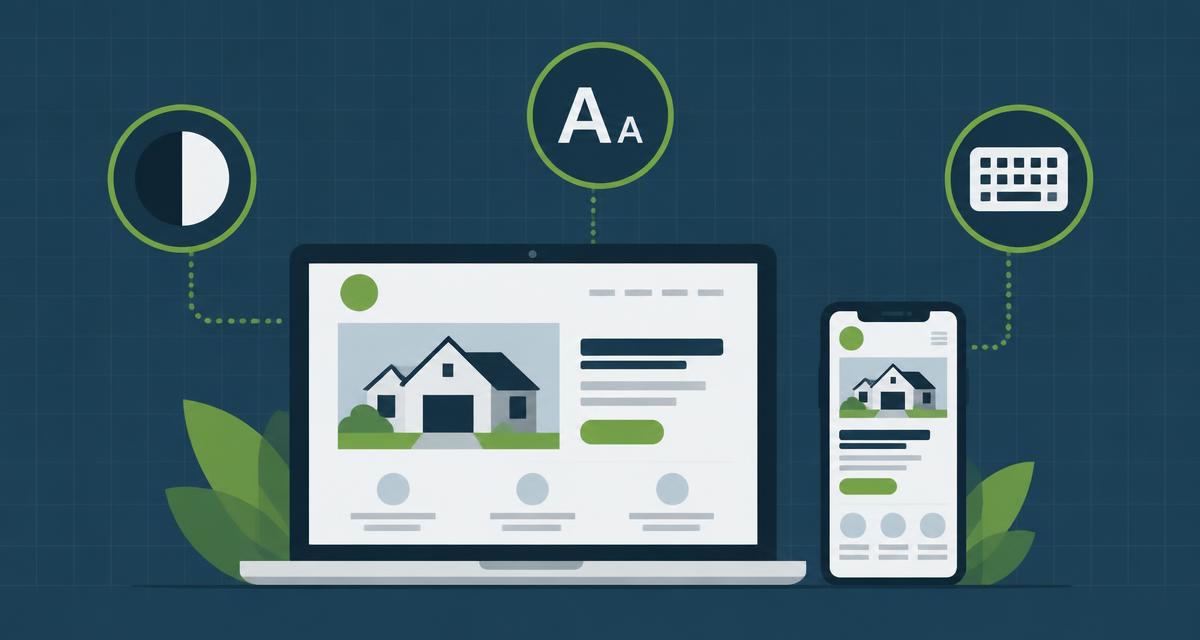
In plain English, an accessible website is one that people can use if they:
•Are blind and use a screen reader that reads the page out loud
•Have low vision and need strong contrast or larger text
•Can't use a mouse and move through the site with a keyboard
•Are deaf or hard of hearing and need captions on videos
Think about who calls a roofer, a plumber, or an HVAC company. A lot of them are older homeowners. Many have trouble reading small, light gray text on a phone. Accessibility isn't a niche issue for your customers.
How real is the lawsuit risk for contractors?
Let's look at the numbers.
UsableNet tracks digital accessibility lawsuits every year. By the end of 2025, more than 5,000 had been filed. And 64% of the companies sued had less than $25 million in annual revenue. This is not just a big-company problem.
Nearly half of federal cases (46%) hit companies that had already been sued before.
Now the part the widget sellers leave out. UsableNet's breakdown shows e-commerce sites made up about 70% of cases and food service about 21%. Every other industry was under 1% each.
So here's the straight truth. Home service websites are not the main target today. Your risk is lower than an online store's. But it's not zero, and demand letters often go out to small businesses that never make it into the lawsuit numbers. The fixes are cheap compared to a settlement. And they pay off in other ways.
Why accessibility widgets won't save you
Accessibility "overlays" or widgets are those little icons in the corner of a site. Click it and you can make the text bigger or change the colors. Many are sold with promises of instant compliance.
Here's what the data says:
•Widget users still get sued.: UsableNet counted 95 to 155 lawsuits *per month* in 2025 against companies using widgets, with no meaningful drop.
•The FTC fined a major widget company.: In 2025, the Federal Trade Commission finalized an order requiring accessiBe to pay $1 million over claims that its AI tool could make any website compliant with accessibility guidelines.
•They don't fix the actual code.: A widget sits on top of your site. If your buttons have no labels or your form fields can't be read by a screen reader, those problems are still there underneath.
Stop paying for a widget. Start fixing the site.
The six problems on almost every website
WebAIM scans the home pages of the top one million websites every year. In its 2026 report, 95.9% of home pages had detectable WCAG failures, with an average of 56 errors per page. That's up about 10% from the year before.
The good news: 96% of those errors fall into just six categories. Here they are, with what they look like on a contractor site.
1. Low contrast text (83.9% of home pages)
Light gray text on a white background. White text on a busy photo of a roof. It looks sleek to a designer. It's hard to read for anyone over 50 standing in their driveway on a sunny day.
Fix: Use dark text on light backgrounds (or the reverse) with strong contrast. Put a solid overlay behind any text on photos.
2. Missing image alt text (53.1%)
Alt text is a short written description of an image. Screen readers read it out loud. Search engines read it too.
Fix: Describe every meaningful image. "Crew installing architectural shingles on a two-story home in Holland, MI" beats "IMG_4432.jpg." This is also an SEO win. Alt text helps Google and AI tools understand your project photos.
3. Missing form labels (51%)
Your quote form has boxes for name, phone, and address. If those boxes don't have real labels in the code, a screen reader user hears "edit text, edit text, edit text." They can't request a quote.
Fix: Every form field needs a proper label. Not just gray placeholder text that disappears when you type.
4. Empty links (46.3%)
Icon links with no text. A Facebook icon, a phone icon, a "hamburger" menu. A screen reader just says "link."
Fix: Give every icon link a text label, like "Call us" or "Visit our Facebook page."
5. Empty buttons (30.6%)
Same problem, on buttons. The arrow on a photo slider. The "X" to close a popup.
Fix: Label every button so it says what it does.
6. Missing document language (13.5%)
A tiny setting in the code that tells a screen reader what language the page is in.
Fix: One line of code. Your developer can fix it in a minute.
A simple accessibility checklist for your website
Go through your site with this list. Most of it you can check yourself.
•Can you read every piece of text easily on your phone, outside?
•Does every photo have a real description?: (Ask your web person to check.)
•Can you get through your whole quote form using only the Tab key?
•Does every form field have a visible label?
•Do your videos have captions?
•Is your phone number real text, not part of an image?: (It should also be tap-to-call.)
•Do links say where they go?: "Read our roof replacement guide" beats "click here."
•Can you zoom the page to 200% without things breaking?
•Are there any popups that are hard to close?
For a free automated check, run your homepage through the WAVE tool from WebAIM (wave.webaim.org). It will flag many of the six common errors above. Automated tools don't catch everything, but they're a strong start.
Accessibility is also good marketing
Here's the part nobody selling widgets tells you. The same fixes that make your site accessible make it better for everyone:
•Clear, high-contrast text: is easier to read, so more people stay on the page.
•Labeled forms: are easier to fill out, so more people finish them.
•Descriptive alt text: helps your photos show up in Google Images and helps AI tools understand your work.
•Clean, well-structured code: is easier for Google, ChatGPT, and Gemini to read. That's SEO, AEO, and GEO in one move.
•Tap-to-call phone numbers: get more calls. Period.
Accessibility isn't a legal chore bolted onto your website. It's part of building a site that converts. We cover more of that in The High-Converting Roofing Website.
What we do at Resonating Brands
Every next generation website we build starts with accessibility in mind: strong contrast, labeled forms, real alt text on real job photos, keyboard-friendly navigation, and clean code that bots and people can both read. No widgets. No shortcuts.
If you're not sure where your site stands, we'll look at it with you.
This article is for general information only and is not legal advice. If you've received an ADA demand letter or lawsuit, contact an attorney.
Sources
•U.S. Department of Justice, "Guidance on Web Accessibility and the ADA" — ada.gov
•UsableNet, "ADA Web Lawsuit Trends for 2026: What 2025 Filings Reveal" — usablenet.com
•WebAIM, "The WebAIM Million" (2026 report) — webaim.org
•Federal Trade Commission, "FTC Approves Final Order Requiring accessiBe to pay $1 Million" (April 2025) — ftc.gov
•W3C, "Web Content Accessibility Guidelines (WCAG) Overview" — w3.org
Janette O'Shaughnessy is the founder of Resonating Brands, a boutique digital marketing agency based in West Michigan that specializes in next generation websites, voice agents, and lead generation systems for home service contractors.
Continue Learning: Mobile Website Speed for Roofers · On-Page SEO vs. Technical SEO · Service Area Pages That Rank